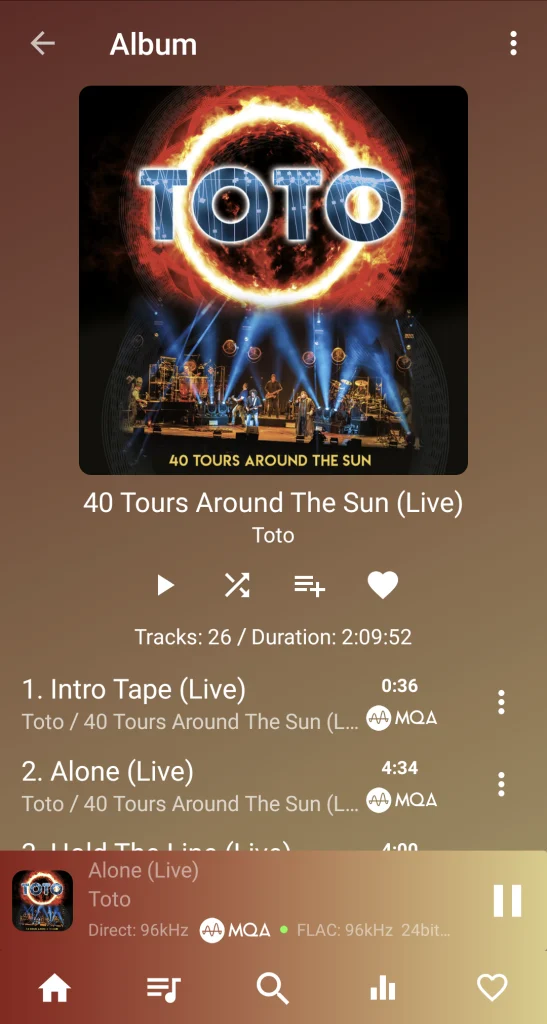
If you listen to music on an Android phone and feel that ordinary music players do not give you enough control over sound quality, USB Audio Player Pro APK may be worth exploring. It is designed for listeners who want more control over audio playback, particularly when using external USB DACs, high-quality headphones or digital audio equipment.
Unlike a basic music player that focuses mainly on playlists and convenience, this app puts greater attention on audio output, file compatibility and playback settings. That makes it particularly interesting for people who maintain their own music libraries or prefer listening to lossless audio files rather than relying entirely on compressed streaming formats.
Why Android listeners look for a dedicated audio player
Android devices can handle many music formats, but the final audio output depends on the phone’s audio system, software settings and connected hardware. Some Android configurations resample audio before sending it to the output device. This can matter to listeners who want to preserve the original playback characteristics of high-resolution recordings.
USB Audio Player PRO takes a different approach by offering its own USB audio driver for compatible external DACs. A DAC, or digital-to-analogue converter, changes digital music data into an analogue signal that headphones or speakers can reproduce. Using a suitable external DAC can provide more control over the audio chain, although the actual improvement depends on the equipment and recording.
Features that make the app interesting
Support for high-resolution audio
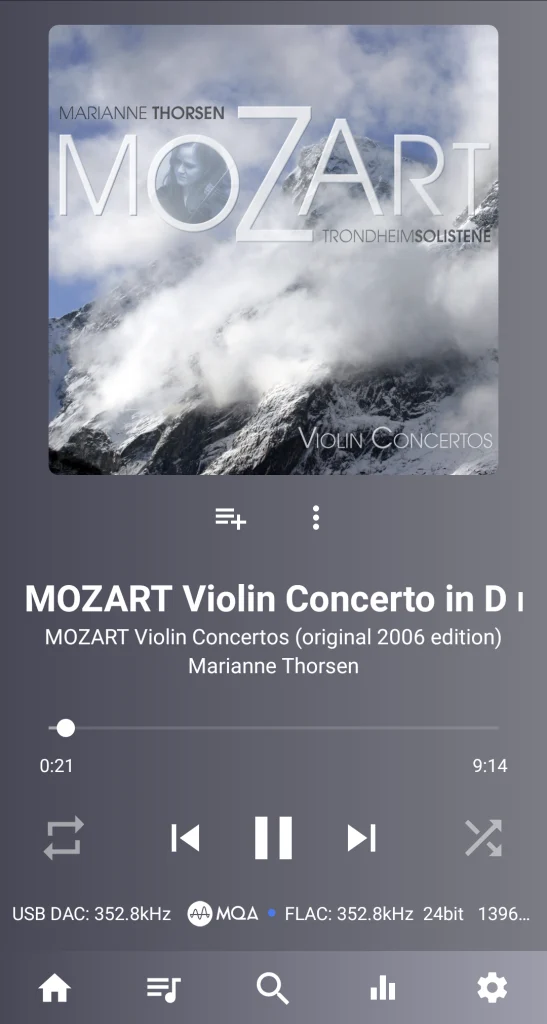
One of the main attractions is its support for high-resolution music files. The app can handle formats such as FLAC, WAV, DSD, MQA, AIFF, AAC, MP3 and several less common formats. This gives people with large offline music collections more flexibility without requiring separate players for different file types.
With compatible USB DAC hardware, playback can reach up to 32-bit/768kHz or the maximum resolution supported by the connected equipment. However, a higher sample rate does not automatically mean better sound. The quality of the original recording, DAC implementation and headphones still play important roles.
Bit-perfect playback
Bit-perfect playback is particularly relevant to listeners who want their music delivered without unwanted digital alterations. In a compatible configuration, the app can send the original audio data to the DAC without applying additional processing such as software volume changes or equalisation.
This option is useful when preserving the source signal matters more than modifying its sound. Listeners who enjoy adjusting frequencies should understand that equalisation and other audio effects can change the signal, so they may need to choose between processing and a bit-perfect output path.
USB DAC connectivity
The dedicated USB audio driver is a major reason people choose this application. It supports a wide range of external USB DACs and can bypass parts of the standard Android audio pathway.
Connecting one usually involves a USB-C or compatible USB adapter, depending on the phone and DAC. Some devices may also require a powered USB hub. Compatibility should be checked before purchasing additional equipment because not every phone, adapter or DAC combination behaves identically.
Equaliser and headphone adjustments
Not every recording sounds balanced through every pair of headphones. USB Audio Player Pro APK includes a graphic equaliser that allows users to adjust different frequency ranges according to their preferences.
Additional ToneBoosters features offer more advanced sound customisation. MorphIt Mobile, for instance, provides headphone simulation profiles, while an advanced parametric equaliser is available as an optional purchase. These extras can be useful for listeners who enjoy fine adjustments, although they are not essential for basic playback.
Music streaming and network playback
The application is not restricted to music stored directly on an Android device. It also supports network playback through technologies and protocols such as UPnP/DLNA, SMB, FTP and WebDAV. This can be convenient for someone who keeps a music collection on a home computer or network-attached storage device.
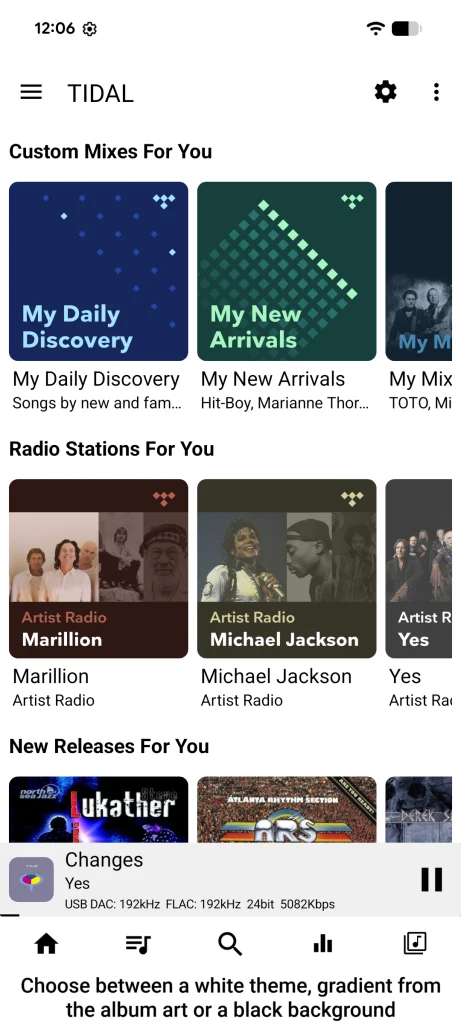
Supported streaming integrations include TIDAL and Qobuz, with availability and format support depending on the service and account. Shoutcast streaming is also supported. Users should check the current app listing for regional availability and any service-specific requirements.
Another useful capability is gapless playback. This helps maintain continuity between tracks that were originally designed to play without silence between them, such as live recordings and certain electronic or classical albums.
Can you play audio from other Android apps?
Yes, but there is an important condition. An optional Feature Pack provides a system audio capture feature that can route audio from supported applications through the app’s USB audio driver. This expands its usefulness beyond its own music library.
However, it is not a universal Android sound driver. Compatibility can vary between streaming applications, Android versions and individual devices. Some services may require browser-based playback, while the additional processing delay makes this feature unsuitable for watching videos where audio and picture must remain synchronised.
The app also offers Bluetooth-related options for certain compatible Android devices and Bluetooth DACs. Codec selection and sample-rate switching depend on the hardware combination, so these features should not be assumed to work on every phone.
What should you know before installing it?
The USB Audio Player PRO App is a paid application rather than a completely free music player. Its Google Play listing also identifies optional purchases for additional functionality, including advanced equalisation, headphone simulation, MQA decoding and the Feature Pack. Prices can differ by country and may change over time.
There are a few practical considerations worth checking:
- Hardware compatibility: Confirm that your Android phone and external DAC support the required USB connection.
- File quality: High-resolution playback is useful only when you have suitable source files and compatible output equipment.
- Additional purchases: Check which features are included in the initial purchase and which require separate payment.
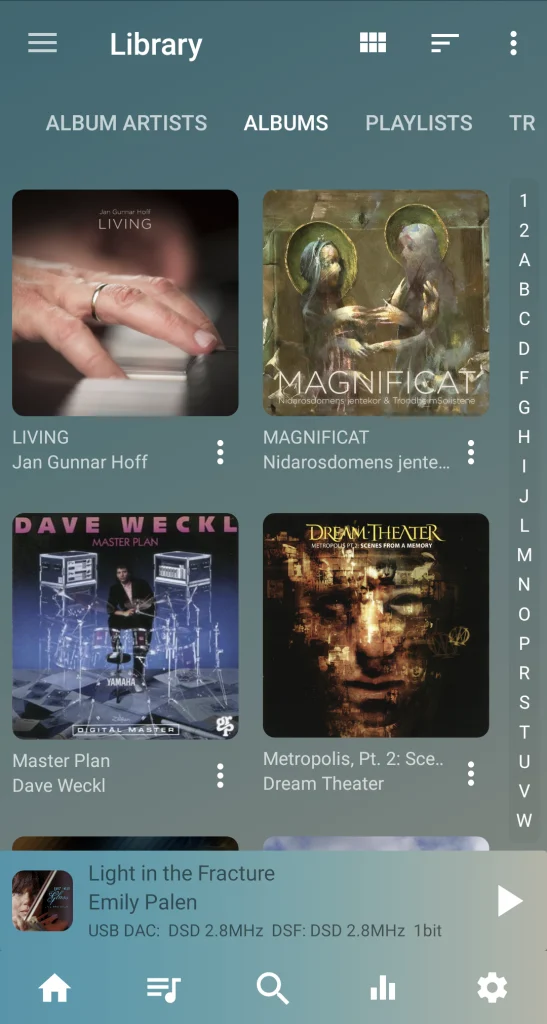
- Storage organisation: A large offline library may take time to scan and organise, particularly when it contains numerous folders and formats.
- Streaming requirements: Check whether your preferred music service and subscription support the playback options you want.
The application does not require root access, which makes it more accessible to ordinary Android users. Still, its specialist settings may take some time to understand if you have only used basic music players.
Who should consider USB Audio Player Pro APK?
This application makes the most sense for Android users who own a USB DAC, collect FLAC or DSD recordings or want greater control over digital audio output. It can also suit people who maintain music libraries across network storage and prefer managing their own tracks.
Casual listeners who primarily use wireless earbuds and mainstream streaming applications may not need its advanced capabilities. A simpler music player could be more convenient if you rarely use external audio equipment or have no interest in adjusting playback settings. You can also download the Vedu App APK.
A practical choice for dedicated music listeners
USB Audio Player PRO offers more than ordinary playlist management. Its combination of high-resolution format support, USB DAC connectivity, bit-perfect playback, network access and audio customisation makes it a specialised option for Android music enthusiasts.
Before purchasing, consider your headphones, phone, DAC and preferred music sources. If these components support the features you want to use, the application can provide a more flexible listening setup. If your current equipment is basic, upgrading the hardware or choosing a simpler player may offer better value.
For anyone building a dedicated Android audio setup, checking device compatibility and understanding the optional purchases are sensible first steps.